Appearance
Signup Sheets
Creating a sheet
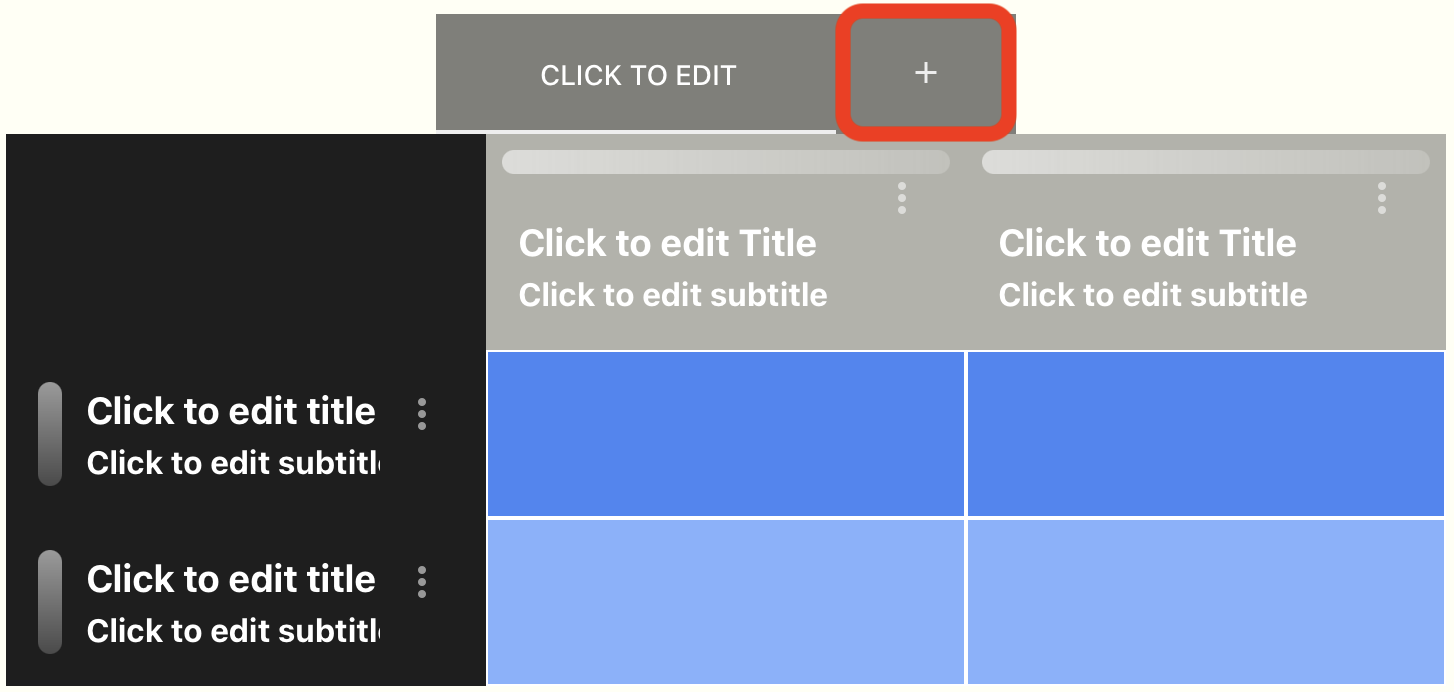
- Click the plus icon to add sheets
Modifying a sheet
Rows & Columns
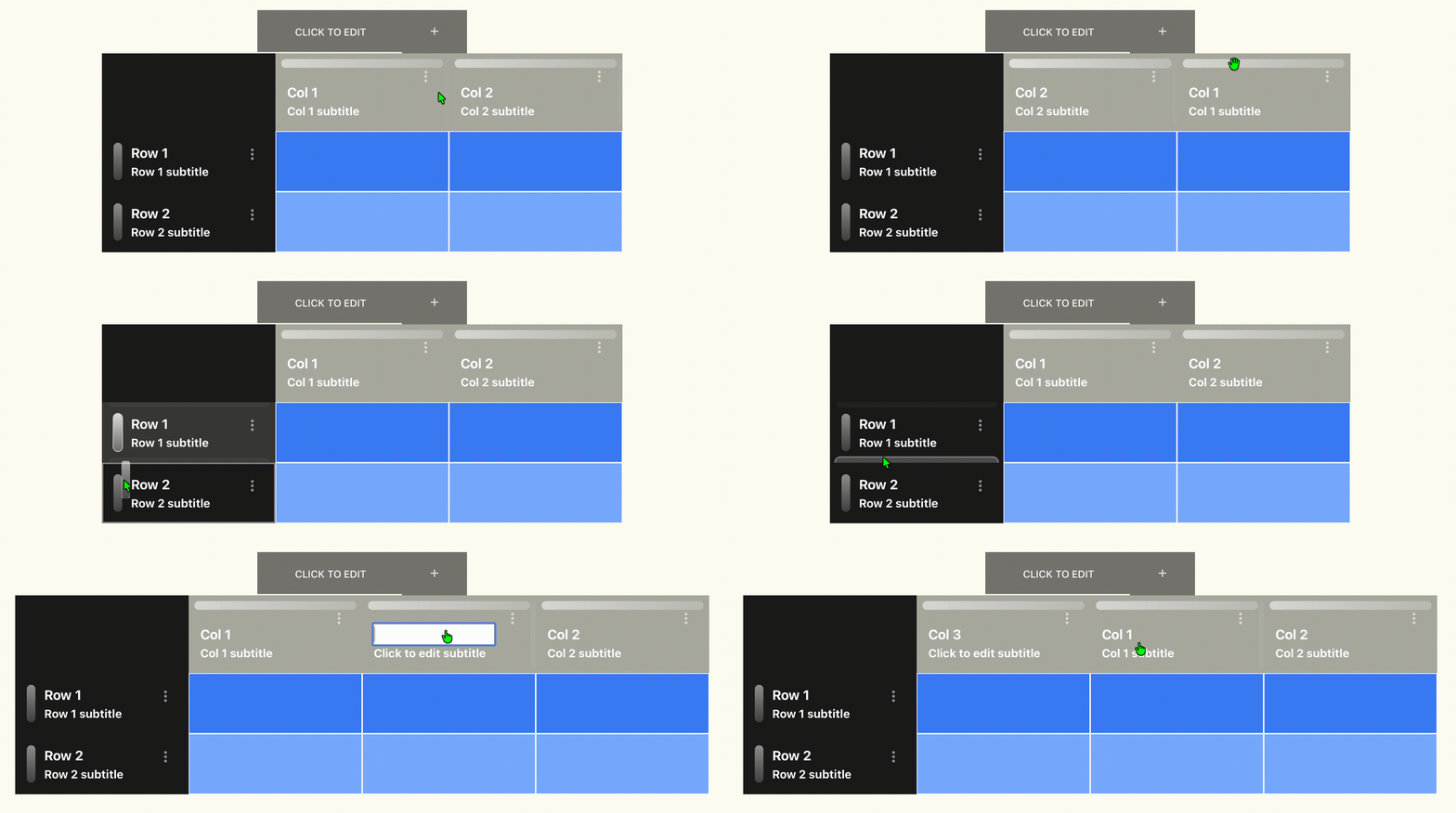
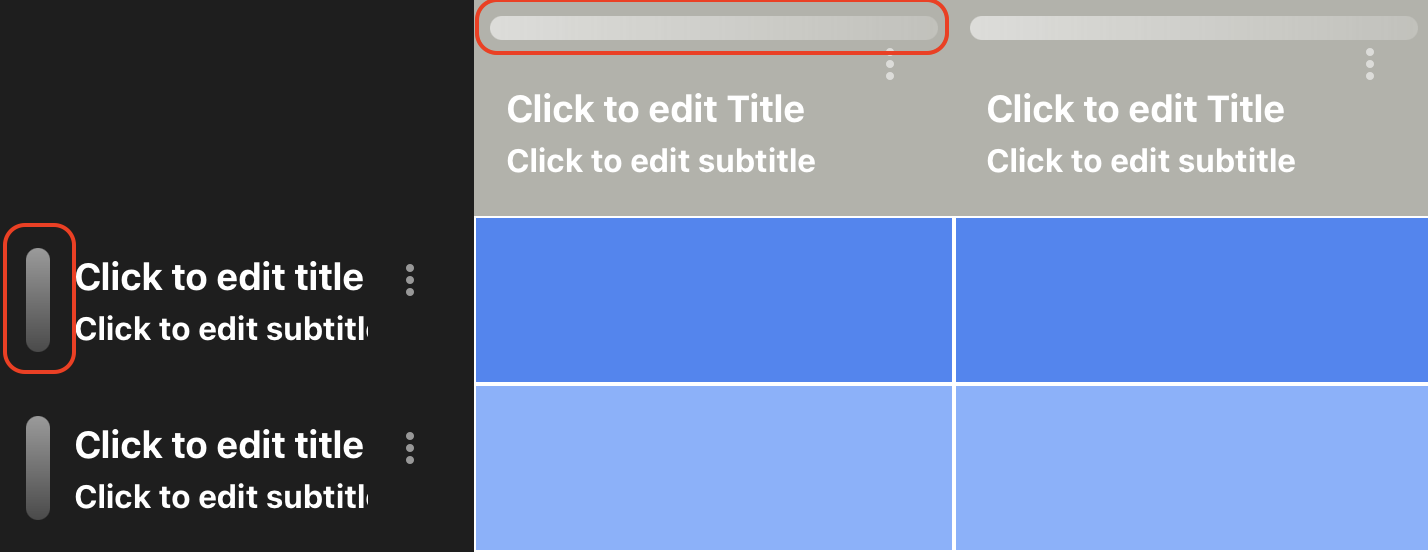
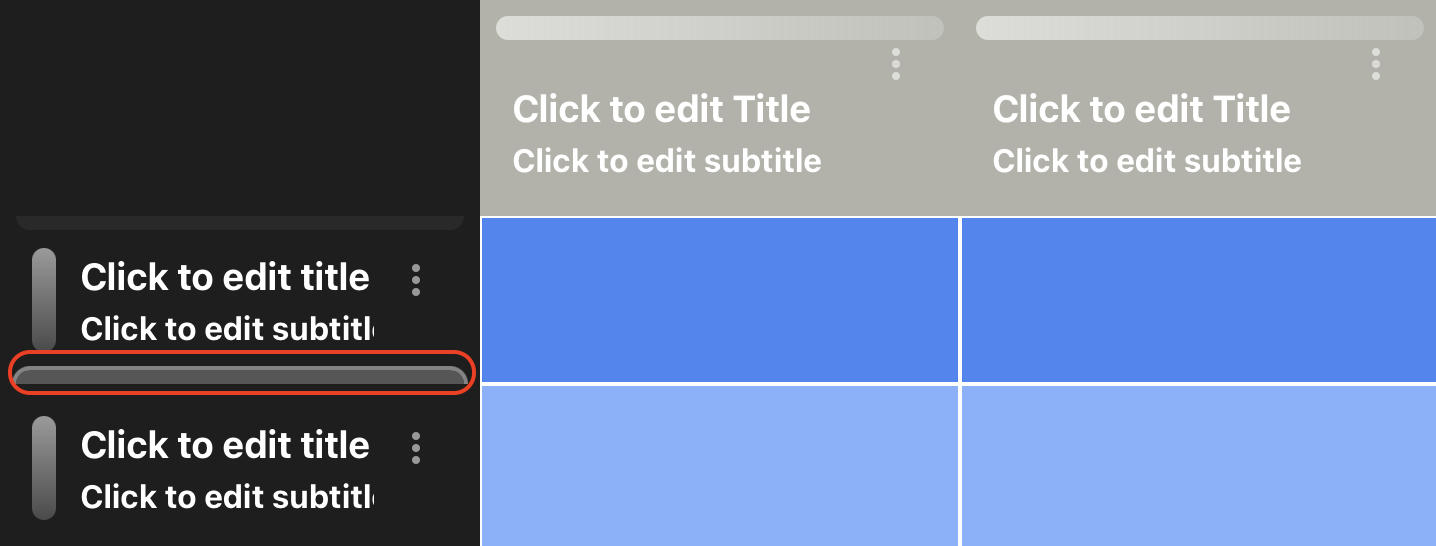
- You can rearrange rows and columns by dragging them from their handles (circled in red below)
- Click on the titles and subtitles to edit them.
- Add rows and columns by clicking on the boundaries
Sheet options
| Option | Description | Options |
|---|---|---|
| Description | Description of the signup sheet | Custom text |
| Theme | Colour theme | Default Dark Green Sunset Orange Purple Dream Forest Golden Aqua Rose Steel Midnight |
| Maximum per person | Maximum number of shifts a person can sign up to within a sheet. | 1-60 |
| Cell capacity | Maximum number of people for each shift. | 0-10 |
| Visible signups | Disable other people seeing who signed up. | True / False |
| Sheet locked | Lock the signup sheet to prevent people from signing up. | Locked / Unlocked |
| Free text | Enable free text as an option. | Enabled / Disabled |
Delete a signup sheet
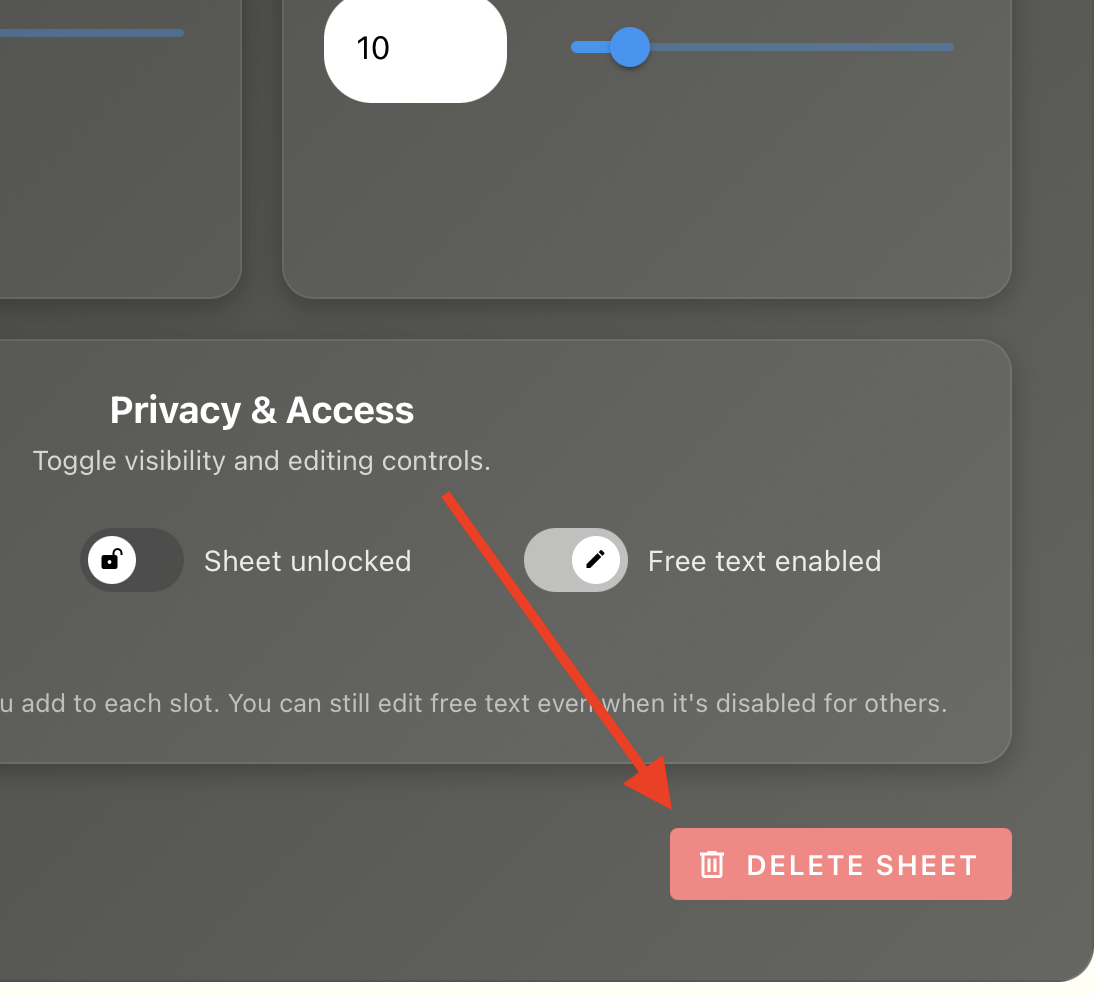
- Scroll down to the bottom of your sheet editing page to find the delete button.